SnipClip
Capture, annotate, and share — one hotkey from screenshot to markup.

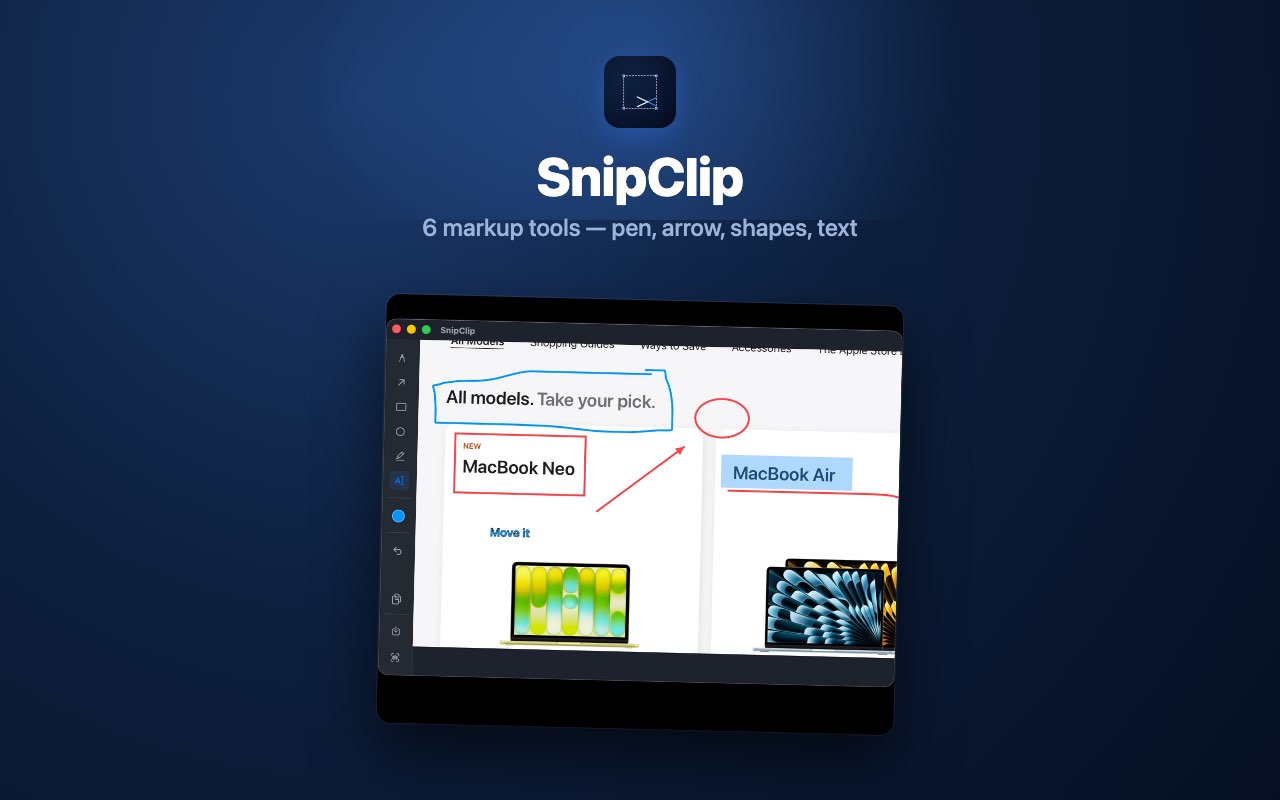
A menu-bar screenshot tool for Mac that gets you from capture to markup in one hotkey — ⌘⇧S, drag-select, mark up, copy or share. Fully offline, nothing uploaded.
- Global hotkey capture + instant markup (pen, arrow, rectangle, circle, text)
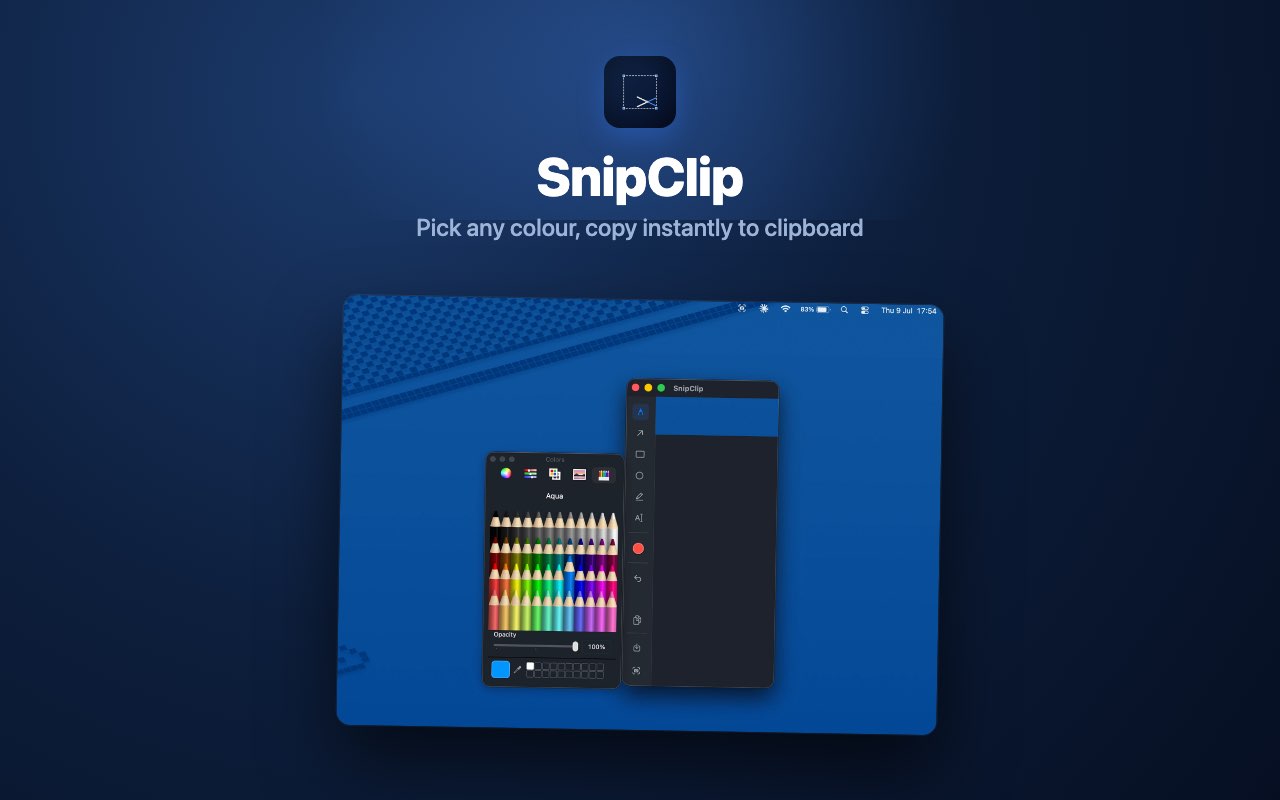
- Full colour picker with opacity control
- Fully offline — nothing uploaded, no cloud sync
- Recent Captures: last 6 screenshots from the menu bar
- Free with a 24-hour full-feature trial, then a one-time unlock — no subscription
- Requires macOS 13+
Reference
Guides
Every Mac Screenshot Shortcut Explained (⌘⇧3, ⌘⇧4, ⌘⇧5)
Three shortcuts cover every screenshot scenario on Mac. Here's exactly what each one does, and the options most people never discover.
How to Annotate a Screenshot on Mac (Arrows, Boxes, Text)
Mac has a built-in markup tool — it's just easy to miss. Here's how to use it, and when a dedicated tool is worth the switch.
Why a Menu-Bar Screenshot Tool Beats a Full App Window
The best tool for a five-second task is the one that never asks you to switch windows to use it.
Windows Snipping Tool vs Mac: How Screenshot & Markup Workflows Actually Compare
Snipping Tool bundles capture and markup into one app. Mac splits them by default — here's what that means in practice.